A/B Testing
Manage hero variants and measure conversion lift.
Currently Live OG Tags
This is what people see when your link is shared on LinkedIn, Twitter, Slack, etc.
Share Link
Copy this link when sharing on X, LinkedIn, or Slack. It includes a version parameter so platforms always fetch the latest OG tags.
To change, go to
orAuto A/B Testing
Automatically cycle through all 50 OG variants. Each runs for the selected interval, then switches to the next. View results in the Results tab.
Preview Tools
Test how your link looks when shared:
OG Tags
Configure Open Graph meta tags for social previews.
OG Tag Presets
Ready-to-use title and description combos. Click "Apply" to set it live, then share your link.
Currently Active OG Tags
OG Image Gallery
Browse and select header images for social media sharing.
OG Tags Image Library
Click any image to select it, then go to the OG Tags tab and click Apply on your preferred message. The selected image will be used.
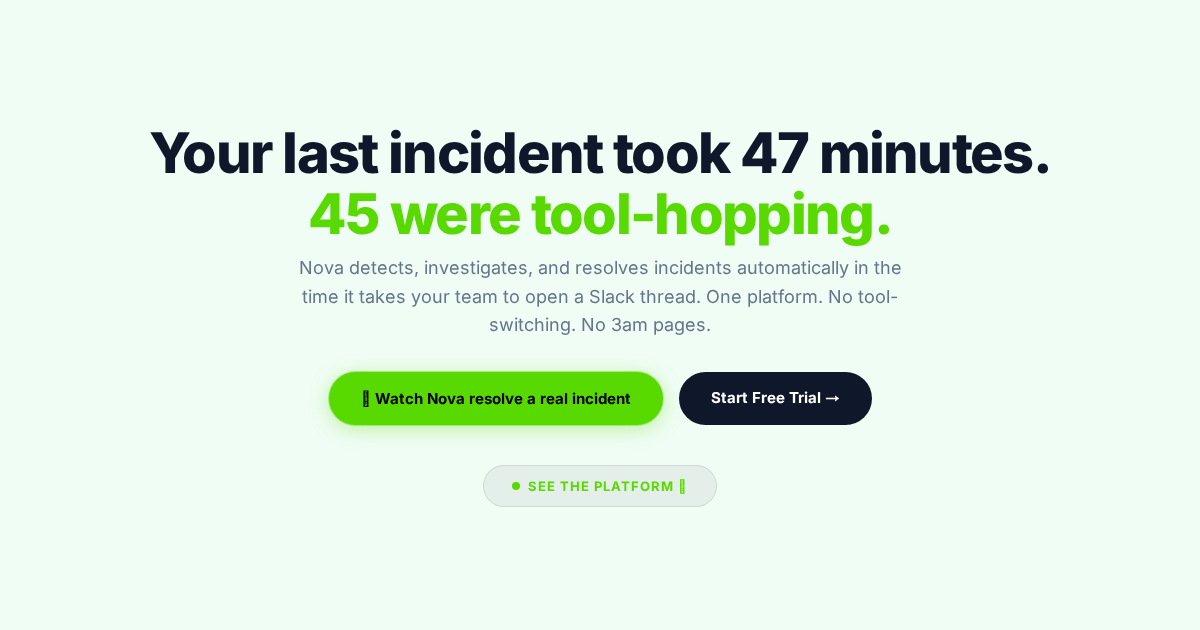
47 minutes. 45 were tool-hopping.
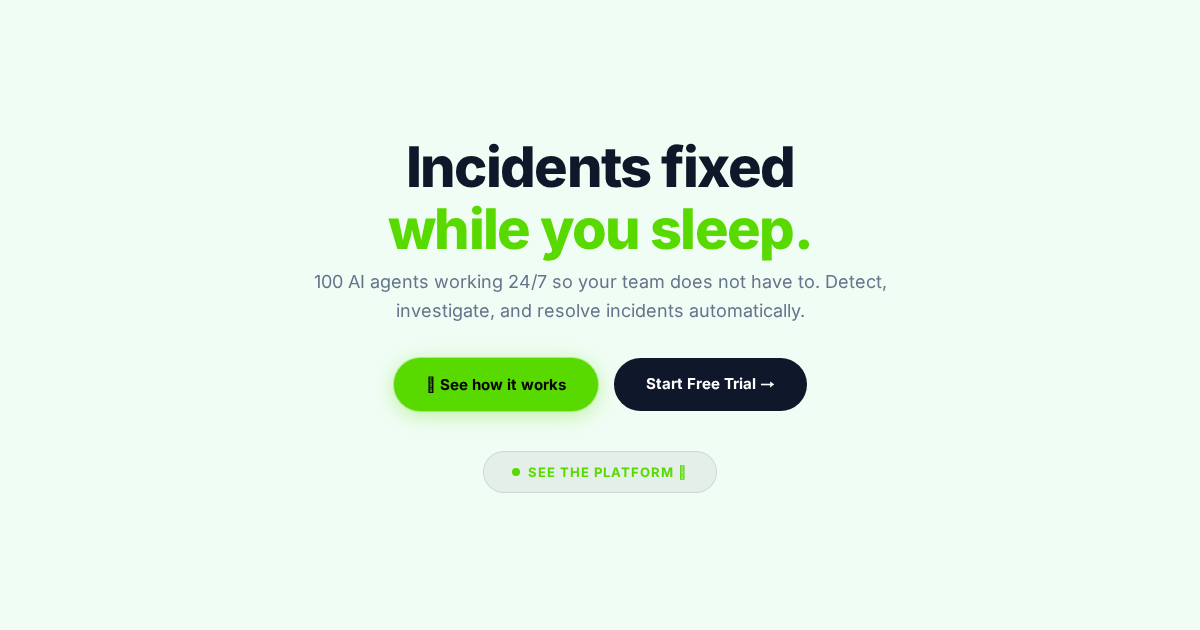
Incidents fixed while you sleep.
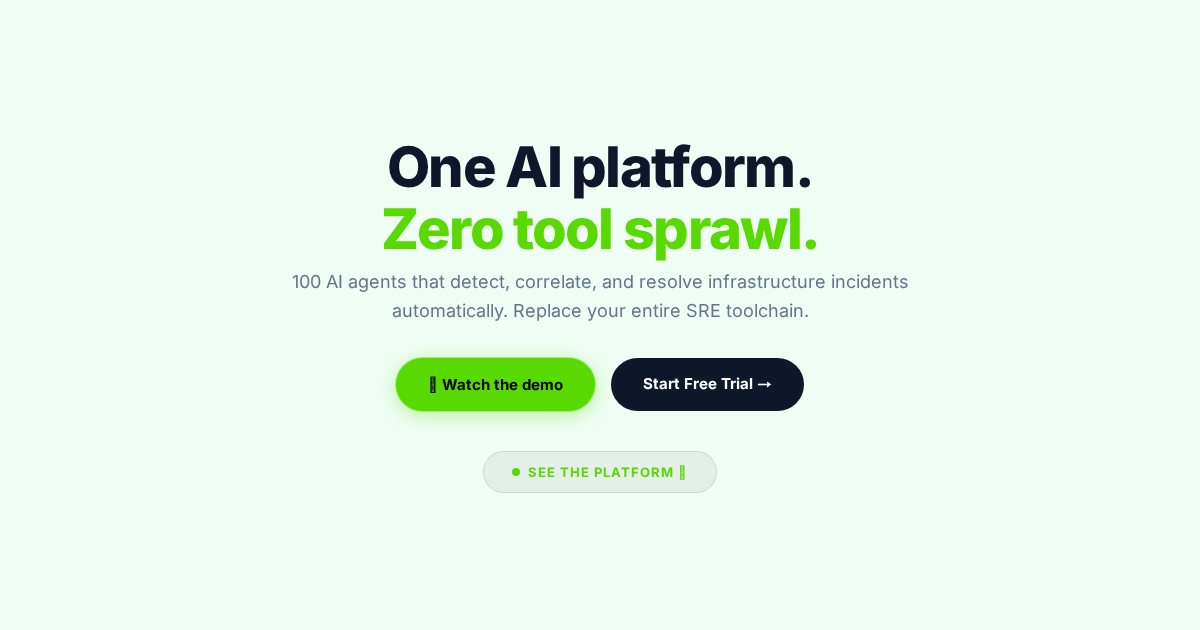
One AI platform. Zero tool sprawl.
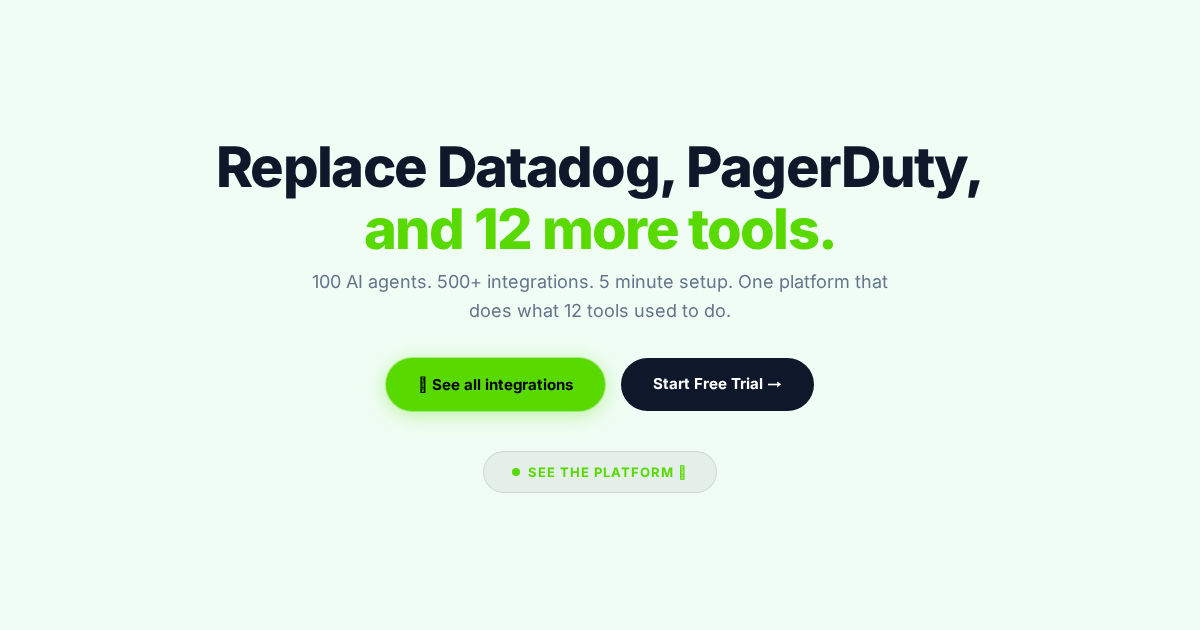
Replace Datadog, PagerDuty, and 12 more.
Stop paying for 12 SRE tools.
From 47 minutes to 3.
No more 3am pages. No more tool juggling.
Built by SREs who lived the pain.
The AI-native operating system for reliability.
How many tools does your SRE team use?
We just launched. 100 AI agents.
Observe. Detect. Resolve. Automatically.
Try Nova AI Ops. Free for 7 days.
200 alerts from 12 tools. Nova makes it 1.
Your on-call engineers deserve better.
AI runbooks. Zero written manually.
500+ integrations. Connected in 5 minutes.
Post-mortems that write themselves.
14 hours a week lost to context switching.
AI that fixes incidents. Not just alerts you.
Latency. Traffic. Errors. Saturation. One view.
From startup to enterprise. One platform.
Cut MTTR by 93%. Cut tool costs by 60%.
Detect issues before your customers do.
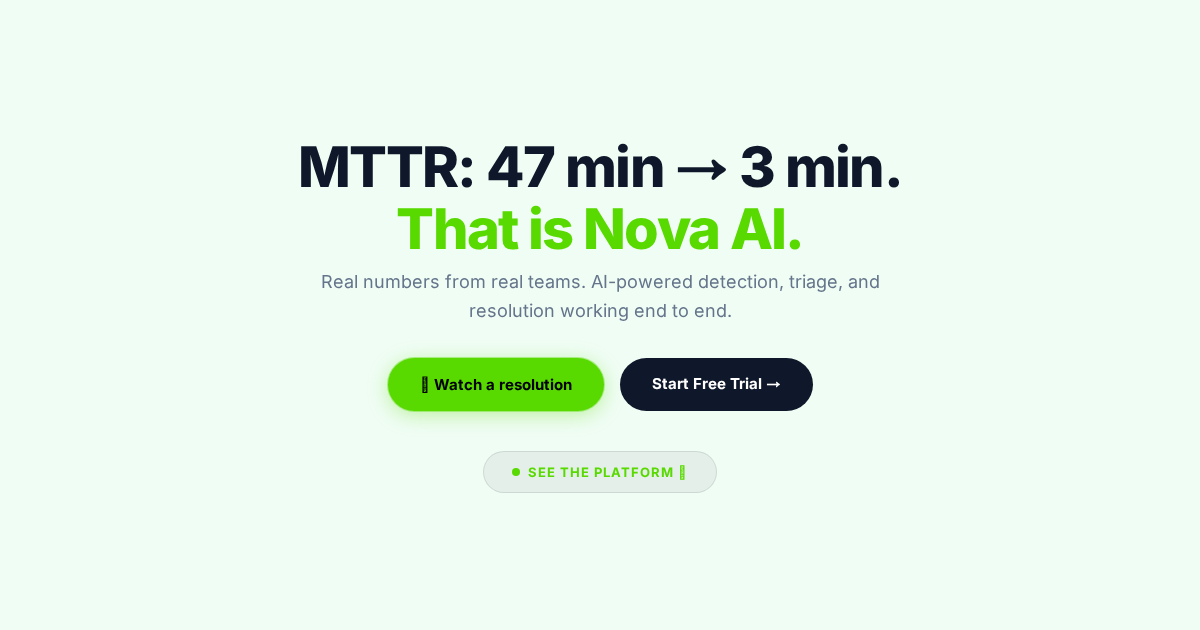
MTTR: 47 min to 3 min. That is Nova AI.
One dashboard. Every signal.
Your SRE team just got 100 new members.
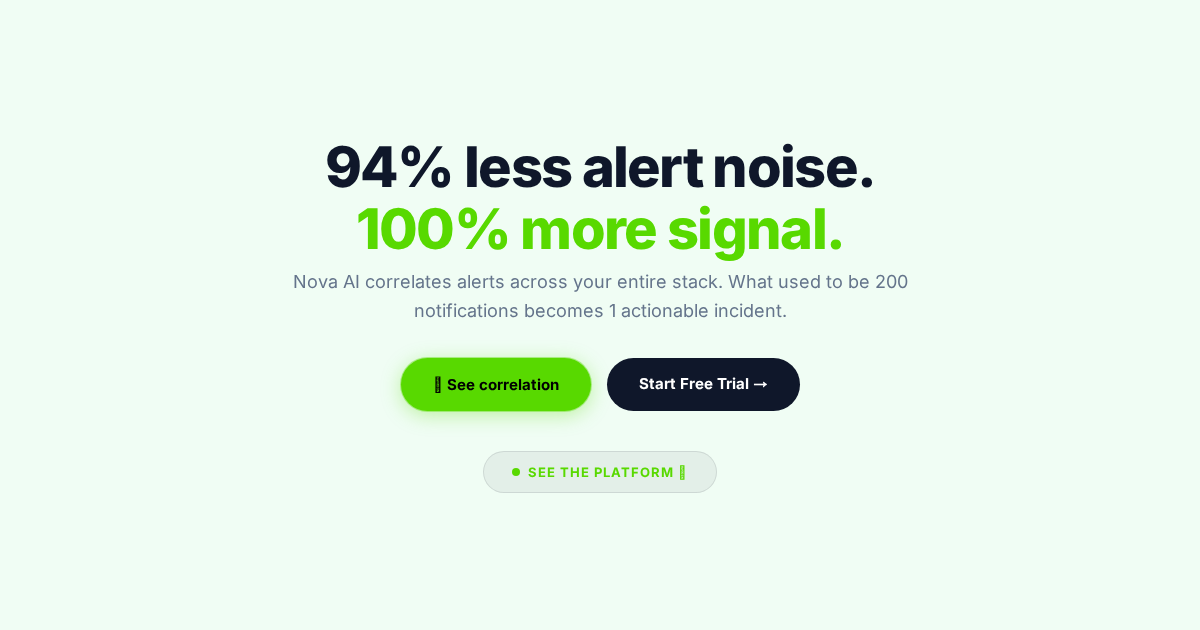
94% less alert noise. 100% more signal.
5 minutes to set up. Instant value.
Stop firefighting. Start preventing.
SRE burnout is real. Nova is the cure.
Monitoring + Incidents + Automation.
Customers should never find your bugs first.
Every incident. One timeline.
AWS. Azure. GCP. One view for all three.
Small team. Enterprise reliability.
SOC-2. ISO-27001. HIPAA. Built in.
Talk to your infrastructure in plain English.
Built for Built for 99.99% uptime. Without the stress.
Detect. Investigate. Resolve. All automated.
Start free today. No credit card needed.
Kubernetes monitoring that actually works.
Rehearse your SEV-1 before it happens.
I built Nova because incident response is broken.
The SRE toolchain tax is killing your team.
Not AI-washed. AI-native.
Last night Nova resolved 3 incidents while you slept.
Know the blast radius before it hits.
Migrate from Datadog in one afternoon.
The future of SRE is autonomous.
All systems operational.
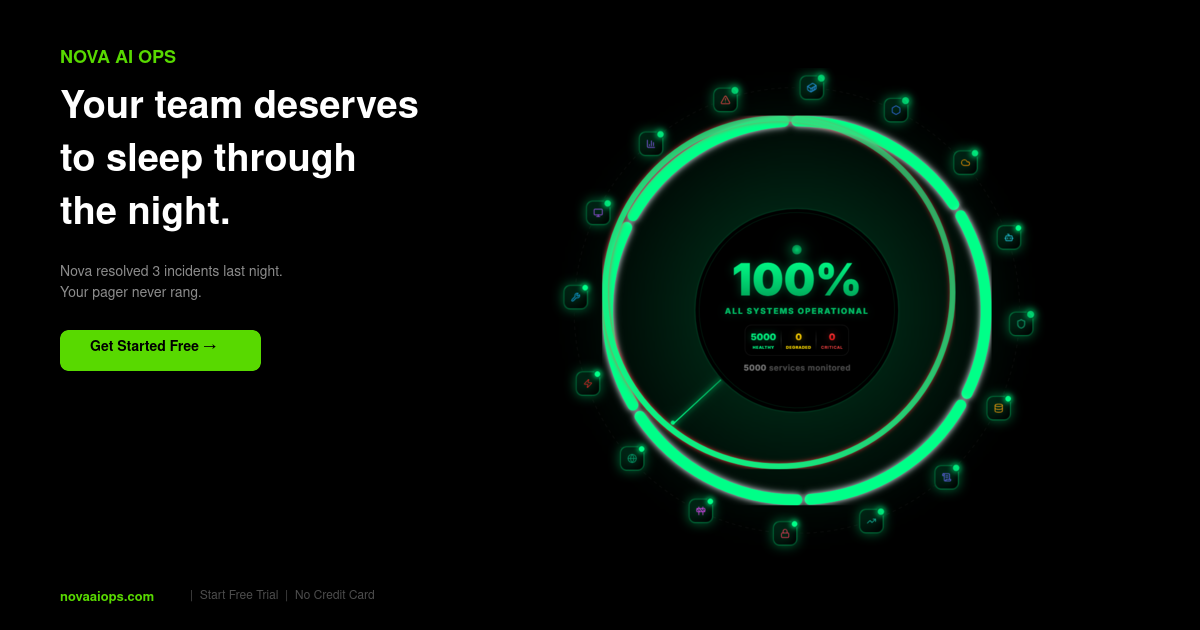
Your team deserves to sleep through the night.
Nova handled everything.
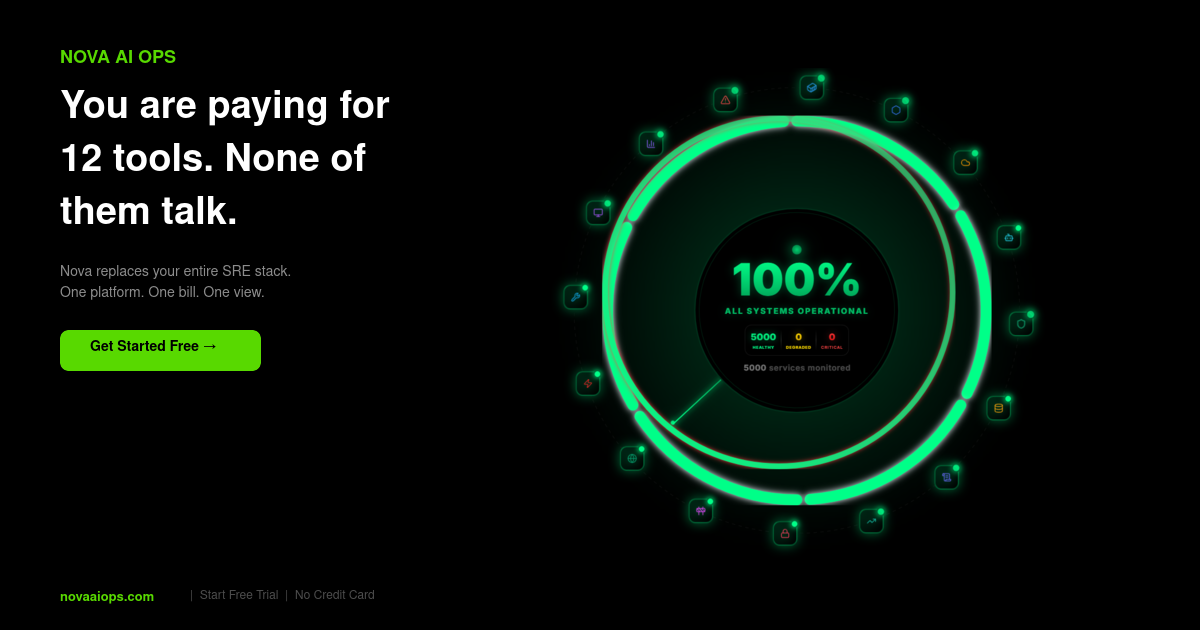
You are paying for 12 tools. None of them talk.
Your pager is silent.
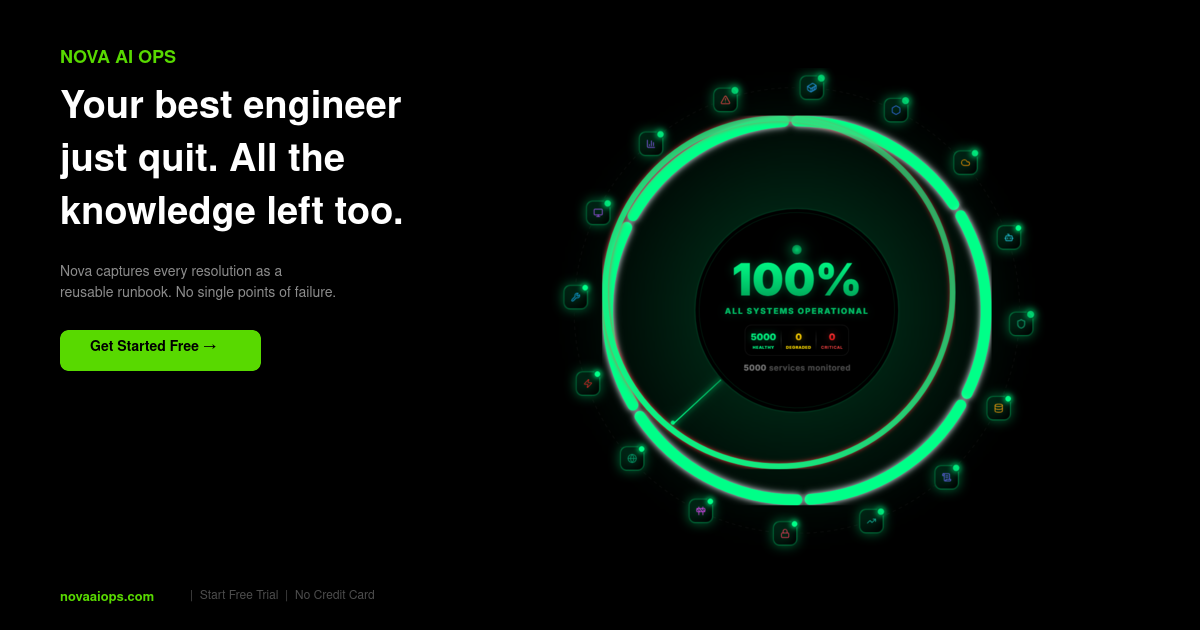
Your best engineer quit. All the knowledge left too.
Deploy with confidence.
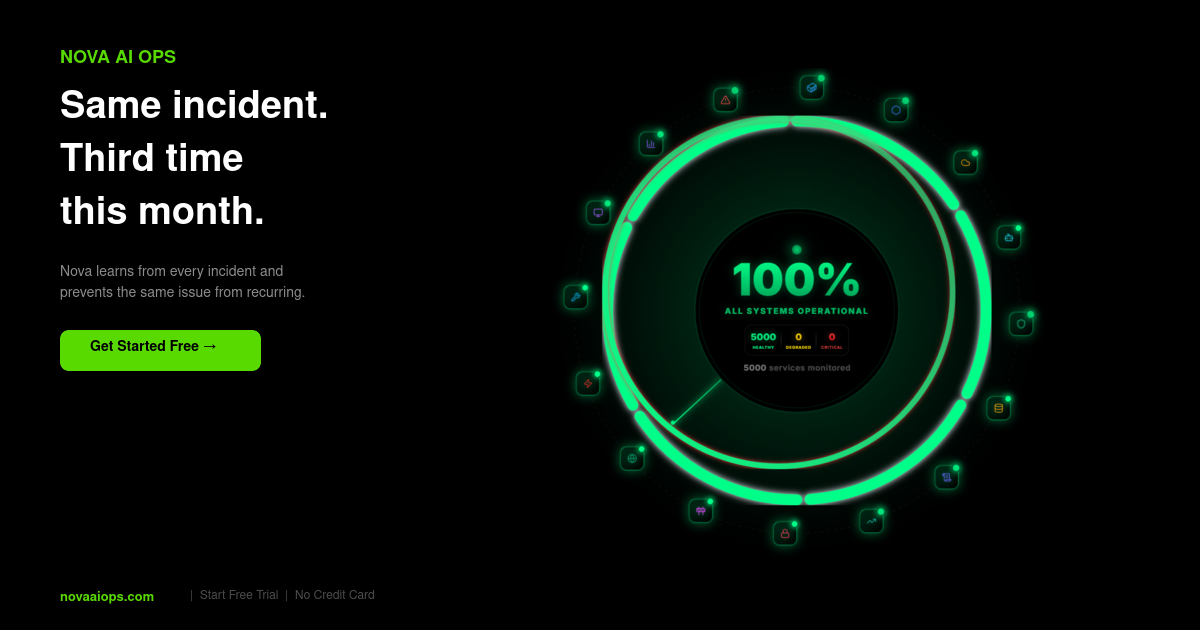
Same incident. Third time this month.
Total visibility. Total control.
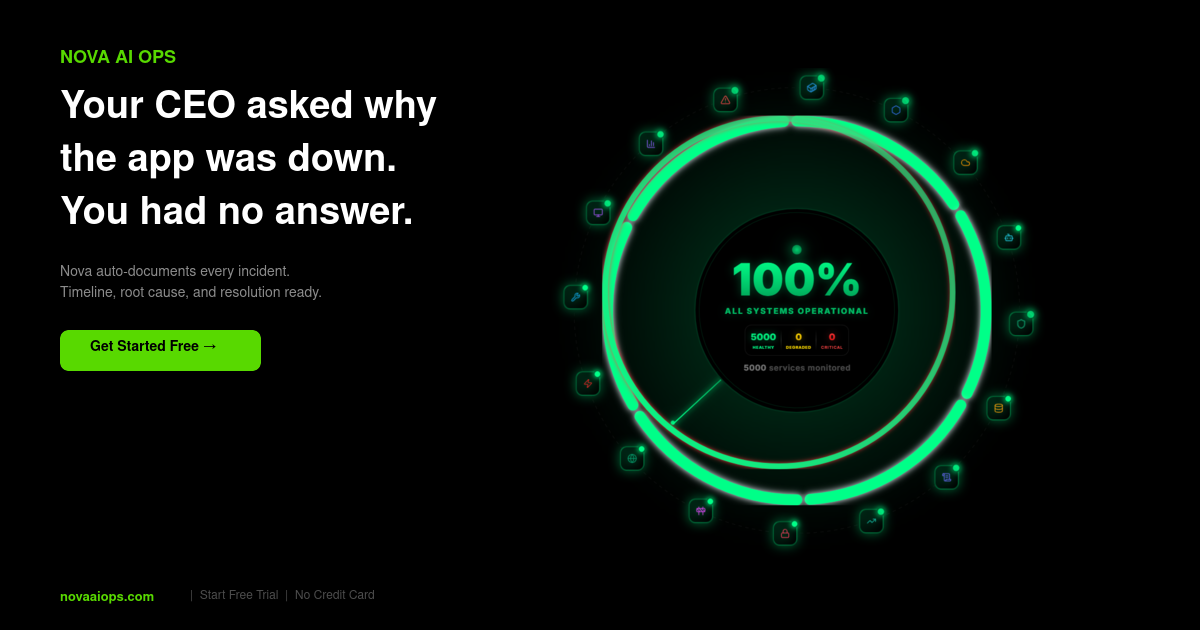
Your CEO asked why the app was down.
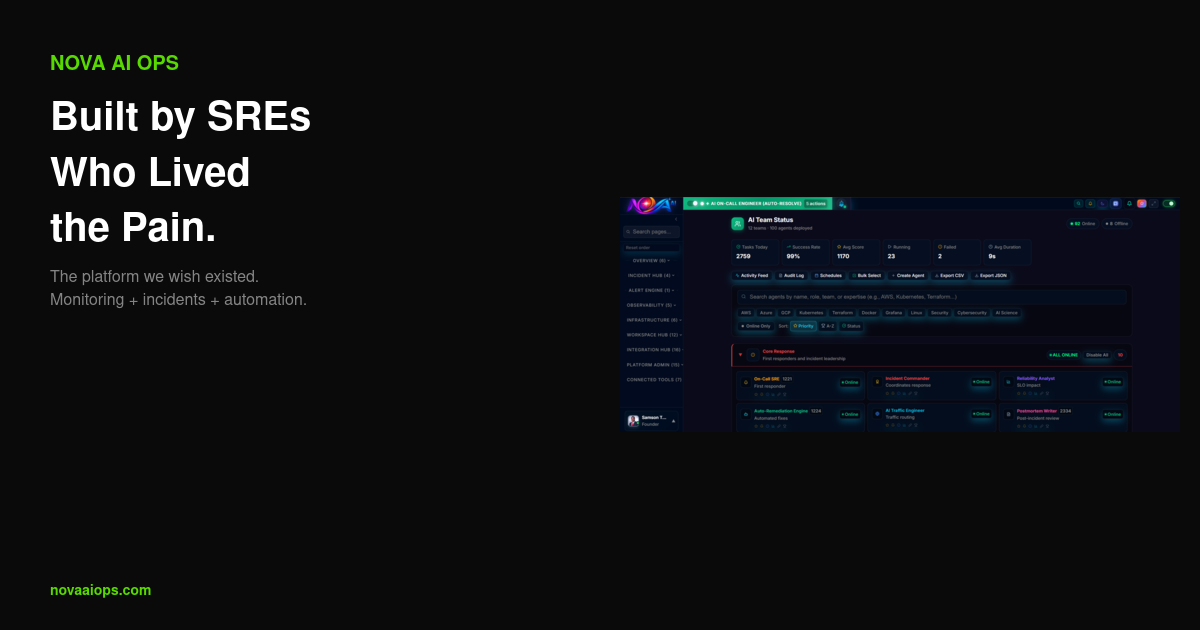
Autonomous reliability at scale.
100 AI agents. One incident. Zero escalations.
Your SRE team just grew by 100.
First multi-agent platform for incidents.
Detection. Triage. Fix. One loop.
Handoff in 3s. Takeover anytime.
Agents investigate like senior SREs.
200 alerts. 12 agents. 1 incident.
The operating system for reliability.
Every agent scoped. Every action audited.
Agents collaborate. Humans approve.
Multi-agent orchestration for real incidents.
One agent stalls. Another takes over.
Agents read your code before acting.
The agent team that never pages you.
Deploy 100 SRE agents in 5 minutes.
Agents that learn from every incident.
Alert to agent to fix in under 60s.
Every agent scoped. Every fix reversible.
Multi-agent from day one.
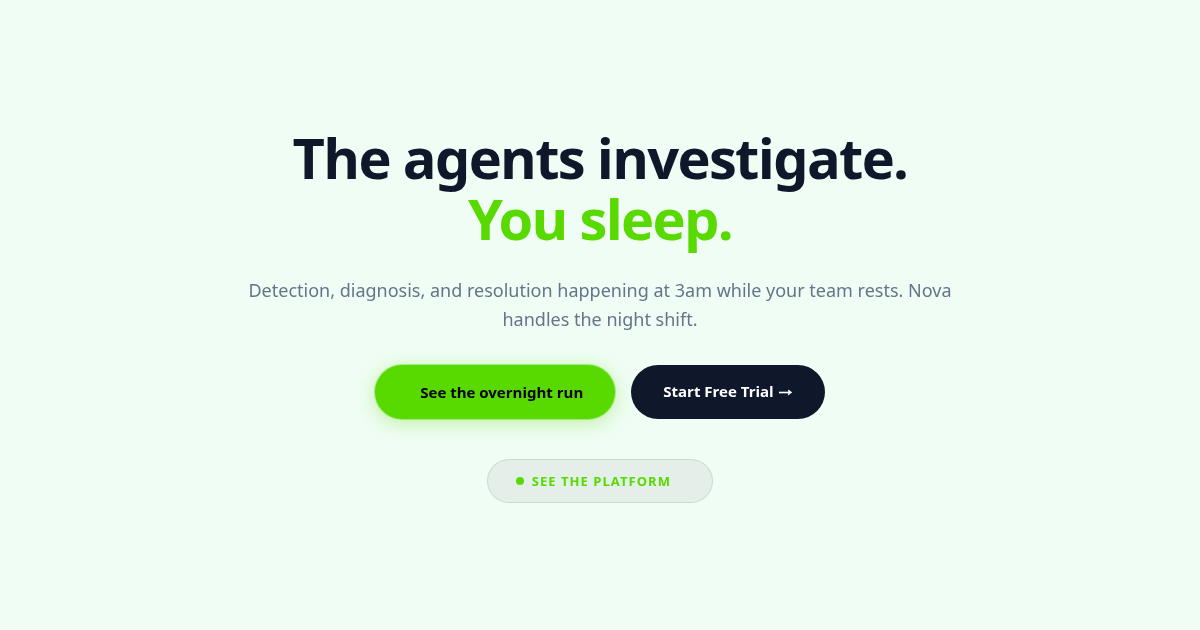
The agents investigate. You sleep.
A/B Test Results
Performance data across all variants over time.
OG Tag Performance
Analytics for each OG tag variant that has been used. Shows pageviews, clicks, and engagement while each variant was active.
Hero A/B Testing
Test different homepage hero headlines and subtitles.
Hero Headline Testing
Test different hero headlines to find which one drives the most signups. Click any variant to apply it live.
Auto Hero Testing
Rotate through all hero variants at a set interval.
Hero Results
See which hero variants drive the most engagement.
Hero Headline Performance
Analytics for each hero headline variant that has been tested. Shows pageviews, CTA clicks, and click-through rate while each headline was live.
CTA A/B Testing
Experiment with different call-to-action text and styles.
CTA Button Testing
Test different call-to-action button text combinations to find which drives the most signups. Click any combo to apply it live.
Auto CTA Testing
Rotate through all CTA combos at a set interval to find the winner.
CTA Results
Compare conversion rates across CTA variants.
CTA Button Performance
Analytics for each CTA button combination that has been tested. Shows pageviews, clicks, and click-through rate while each combo was live.
Banner A/B Testing
Test promotional banner variations on the homepage.
Banner A/B Testing
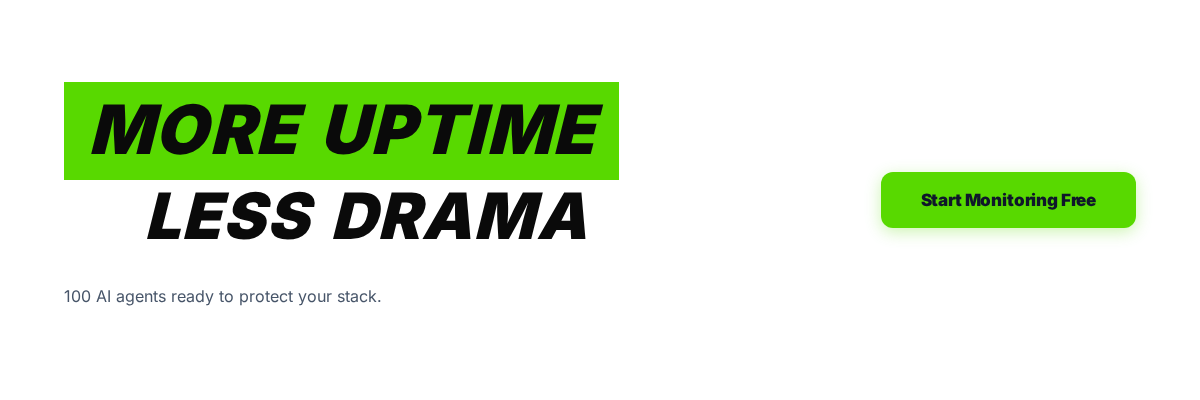
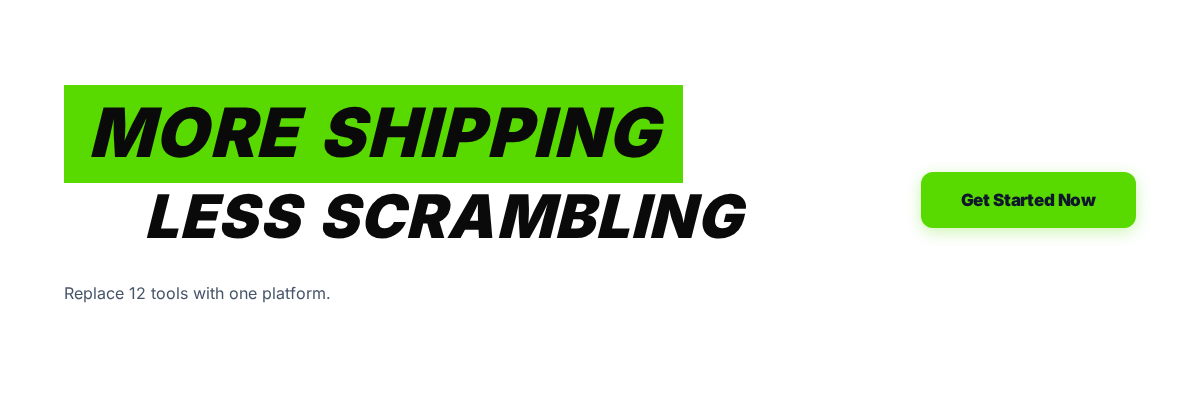
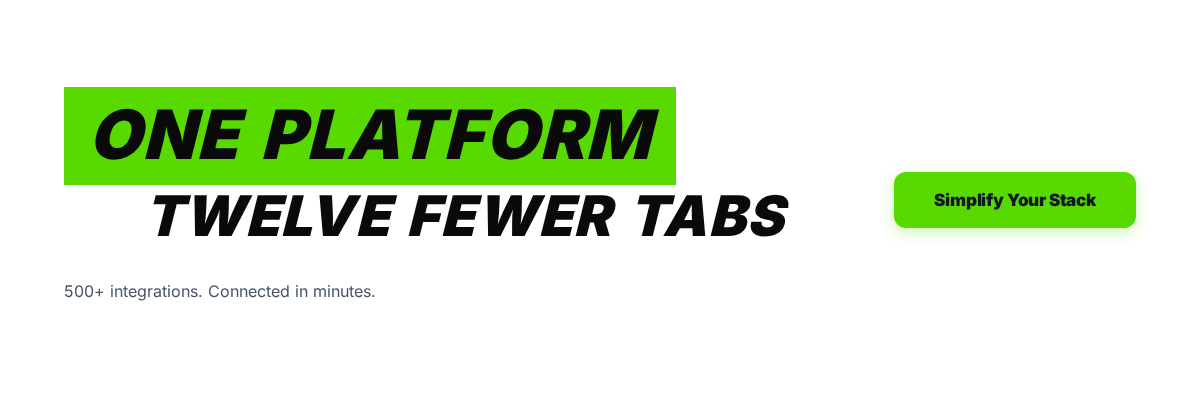
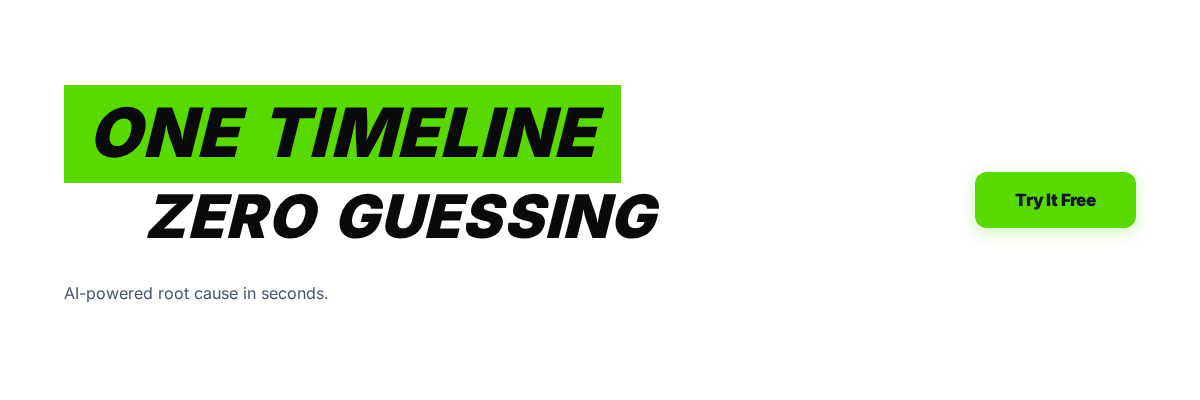
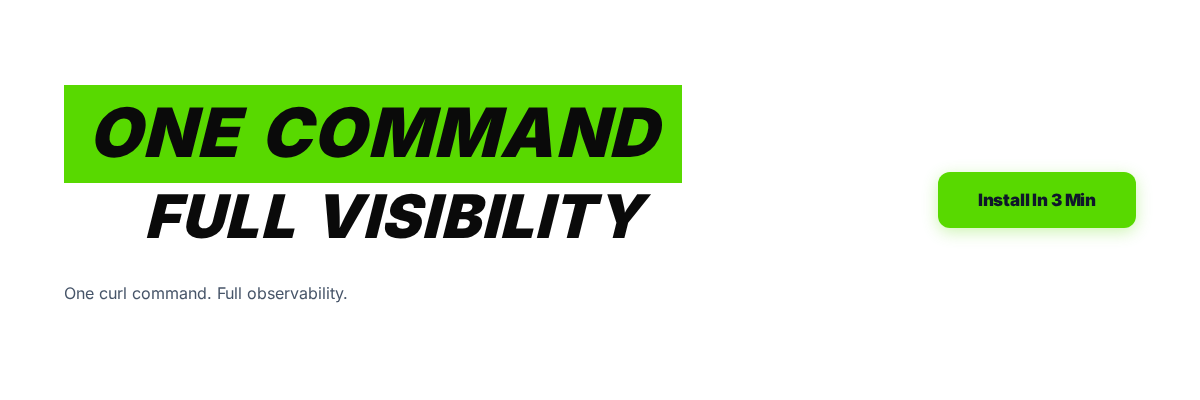
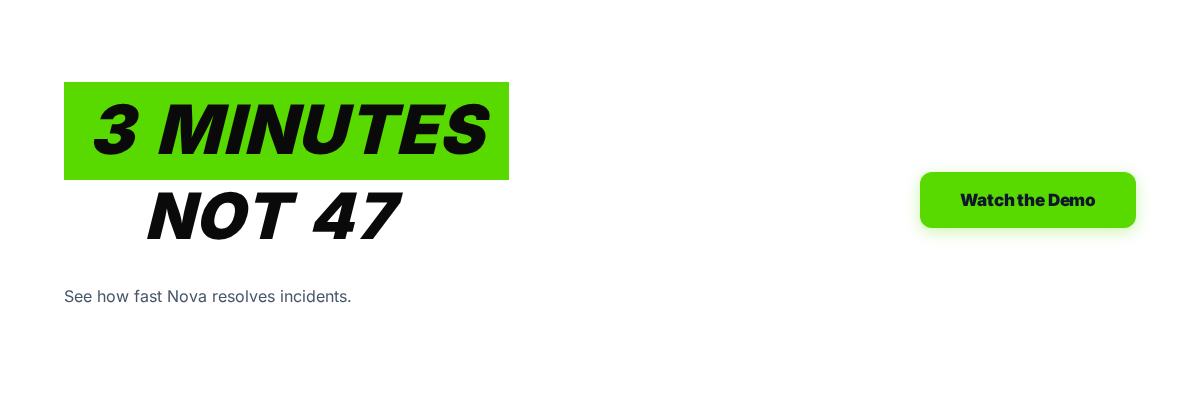
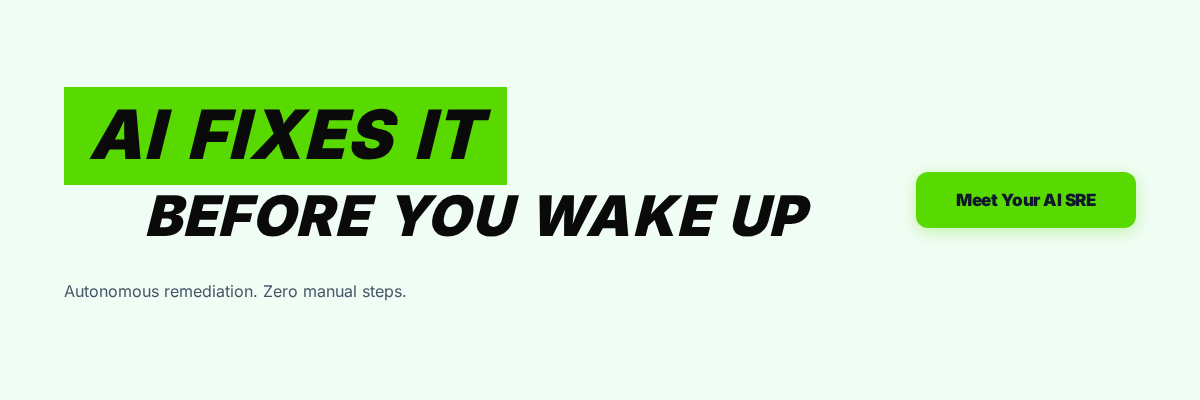
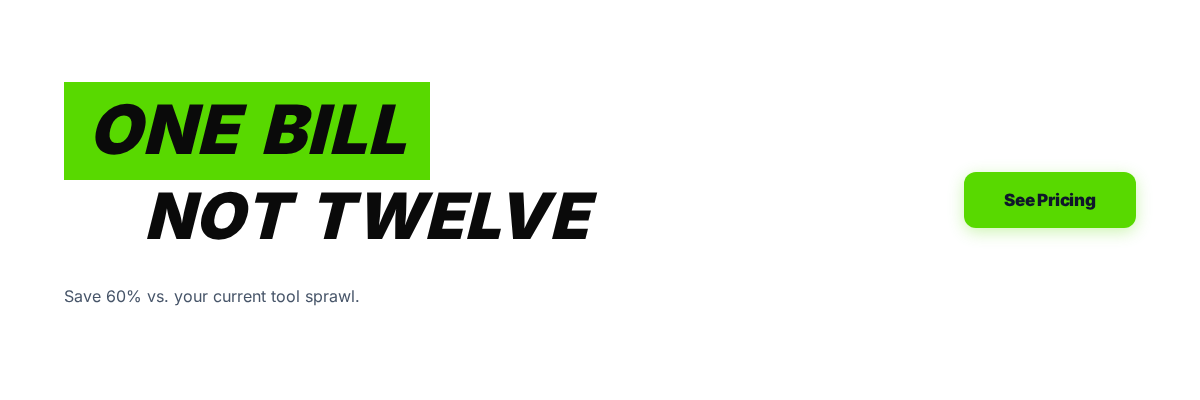
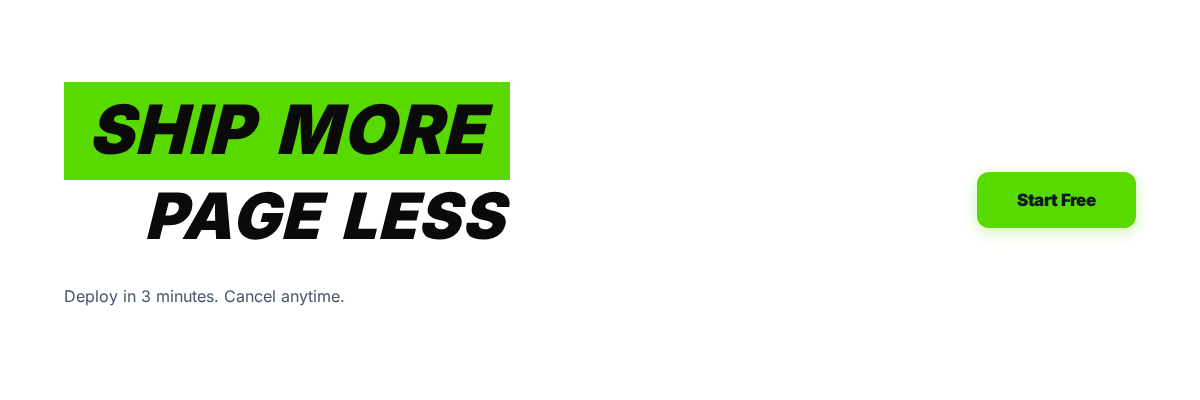
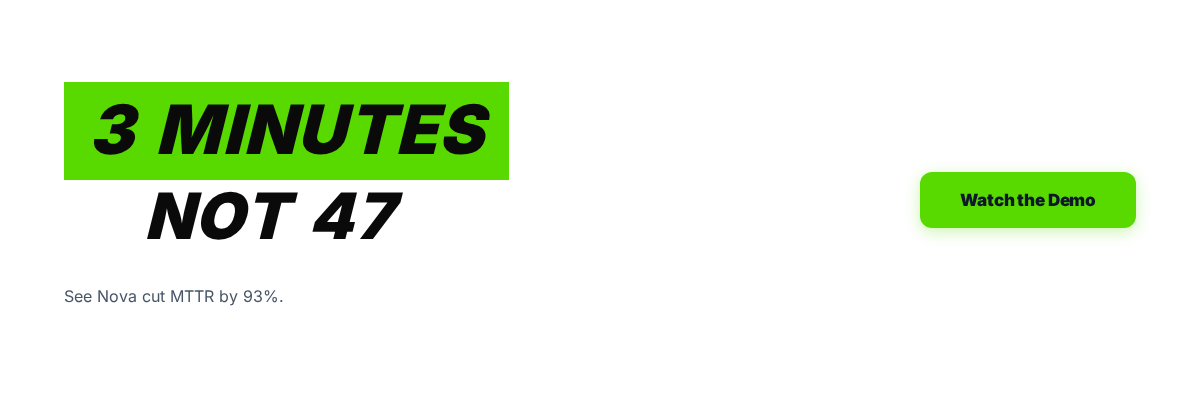
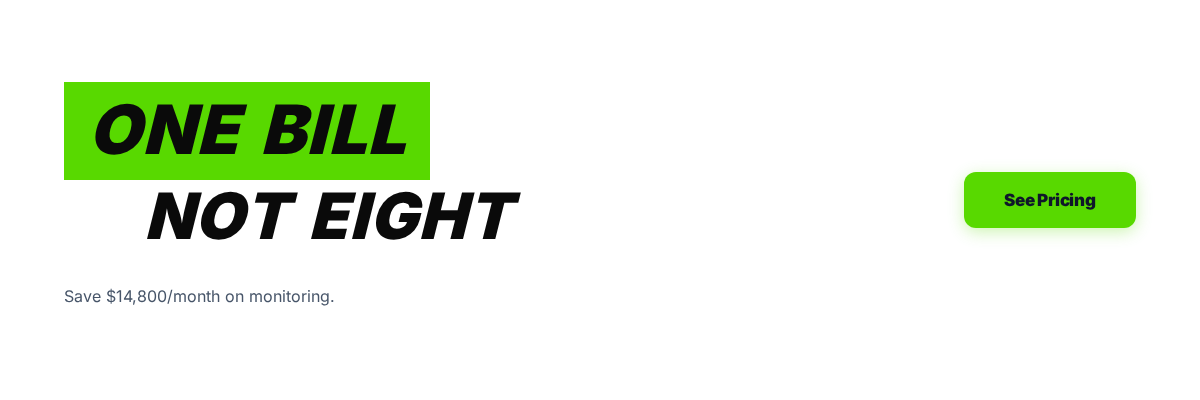
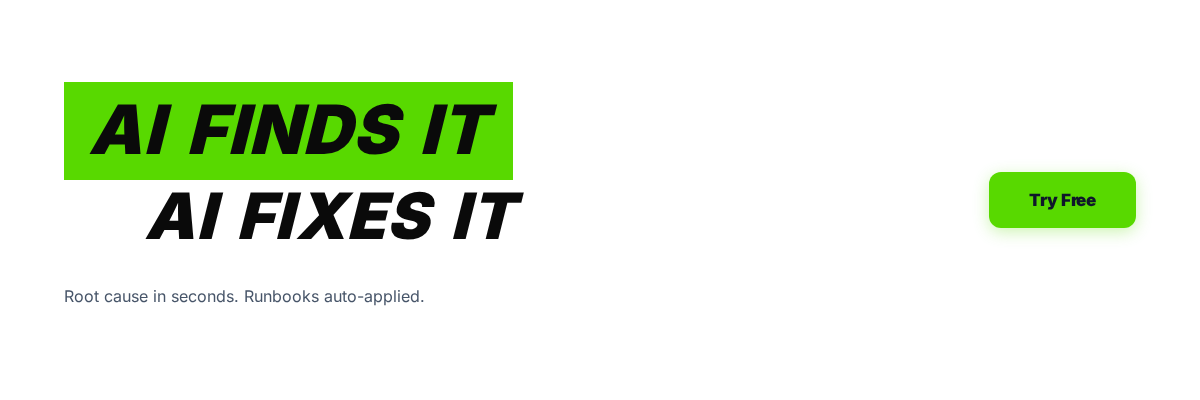
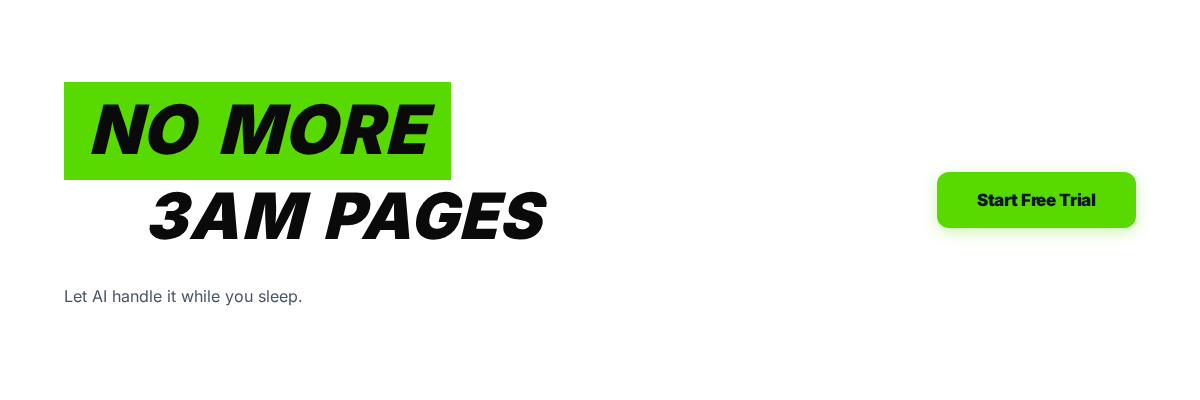
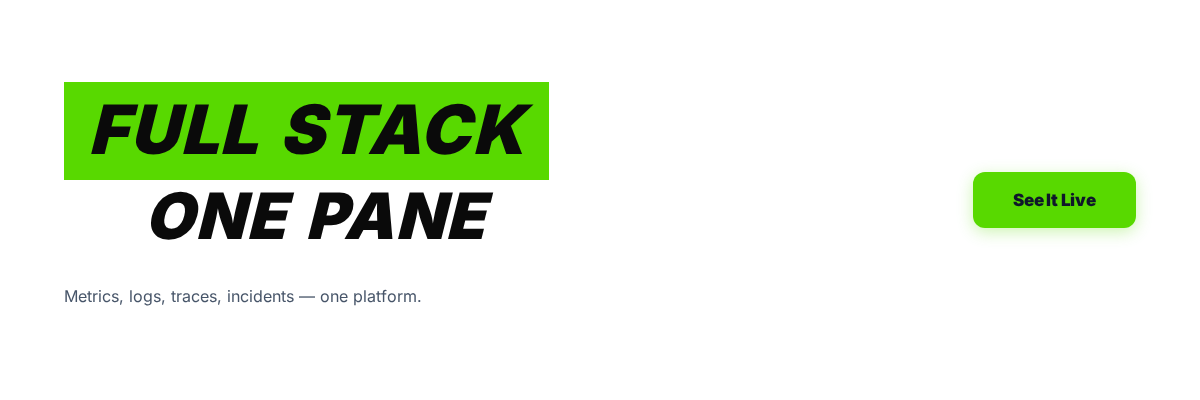
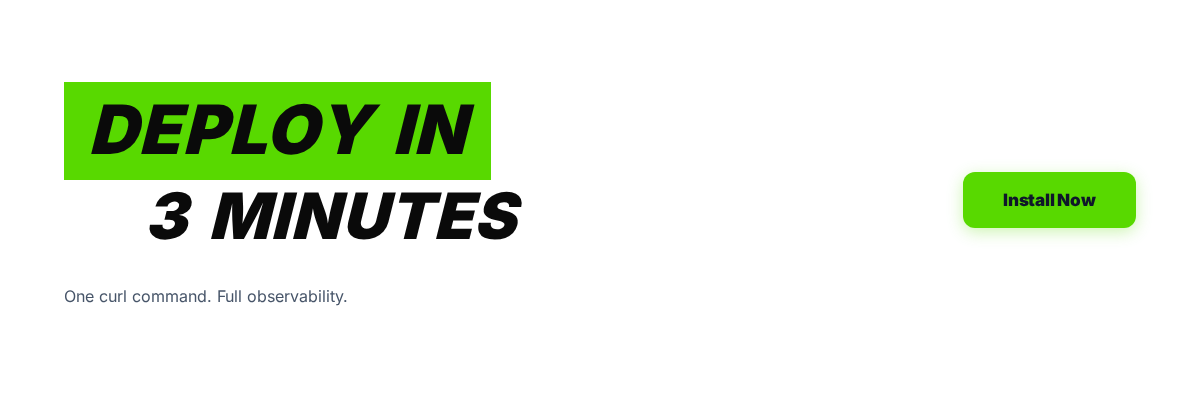
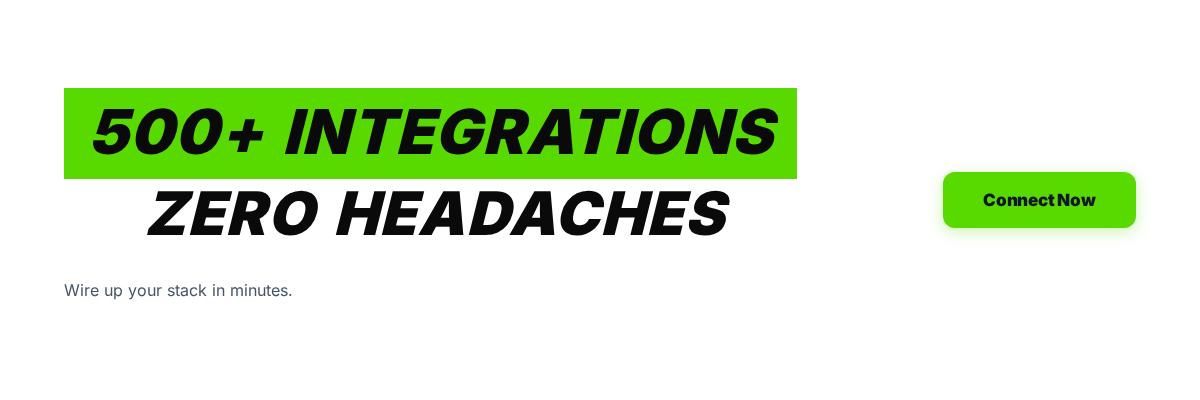
12 promo banners. Click any to set it live on the homepage. Shows between the CTA section and "Who uses Nova".
Auto Banner Rotation
Automatically cycle through all 12 banners at the selected interval to A/B test performance.
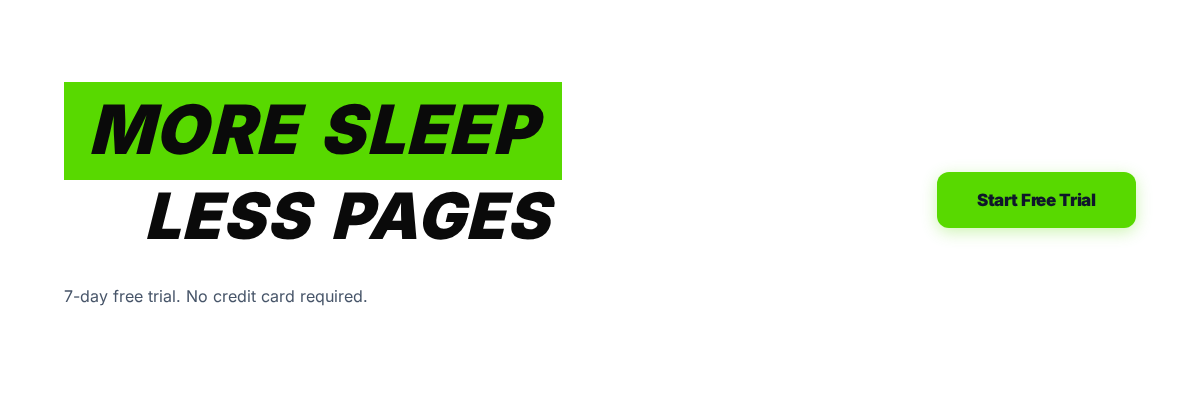
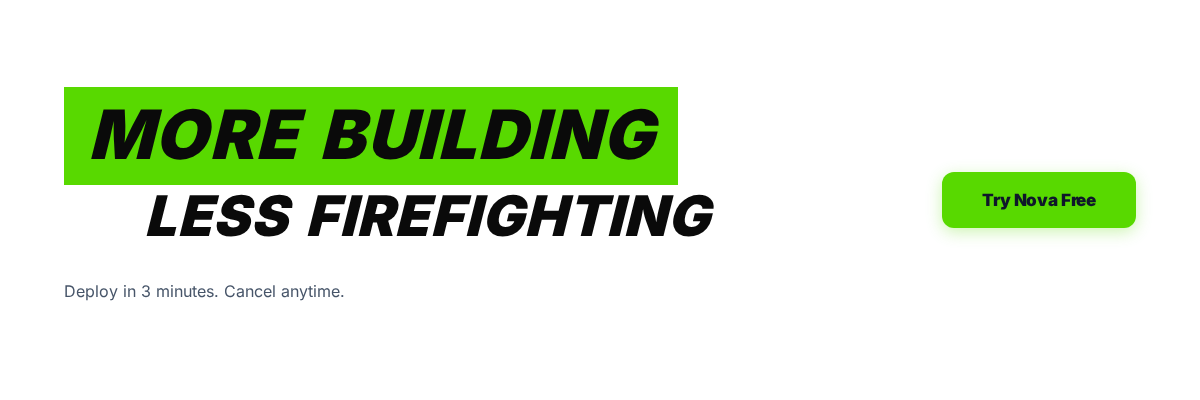
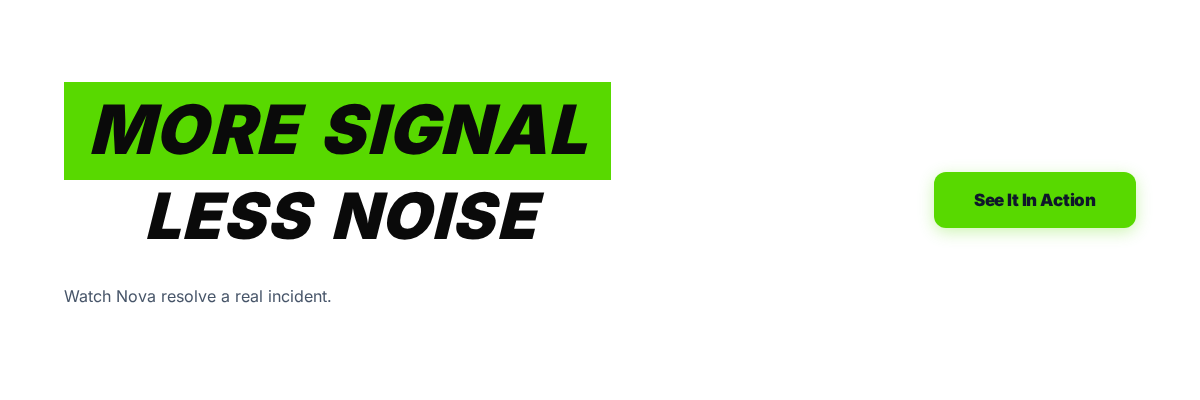
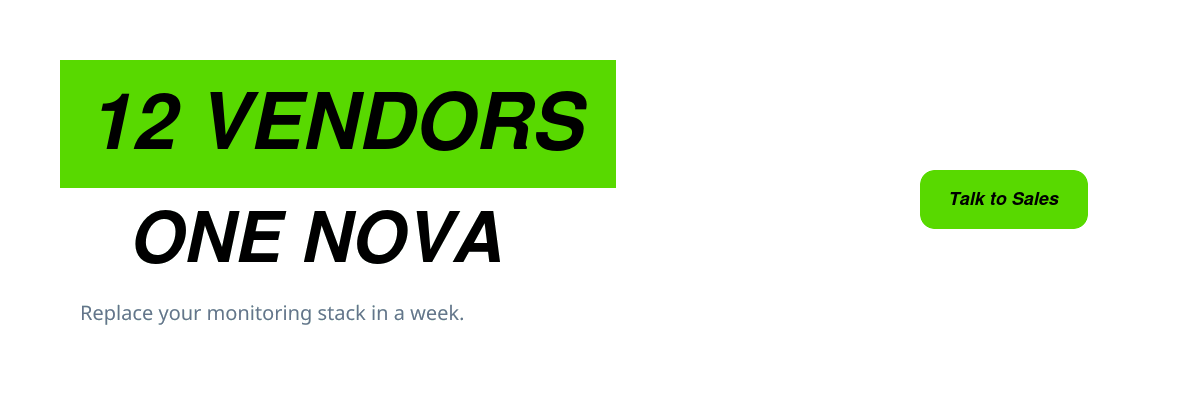
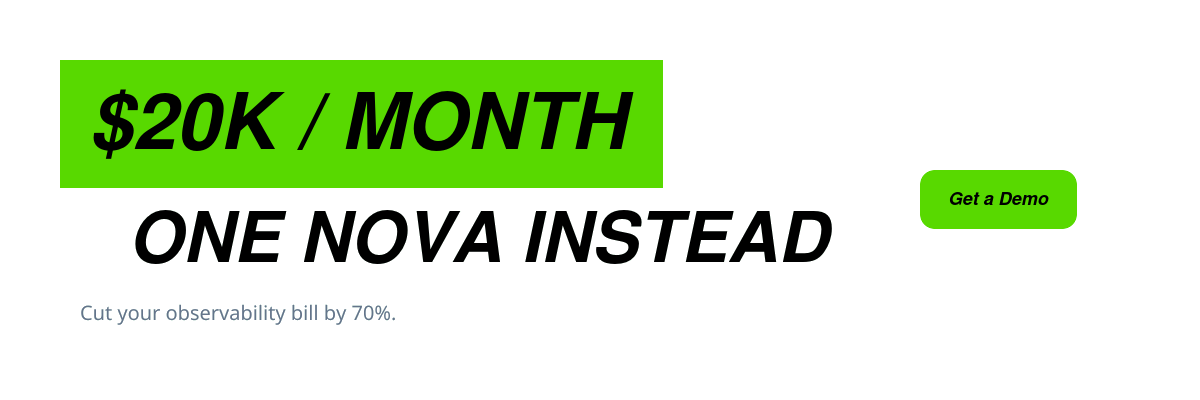
Banner 2 A/B Testing
Second promo banner, rendered below the "All Incidents · Unified Signal" section on the homepage.
Banner 2 A/B Testing
20 promo banners. Click any to set it live in the second banner slot (shown between Unified Signal and "Everything your SRE team needs").
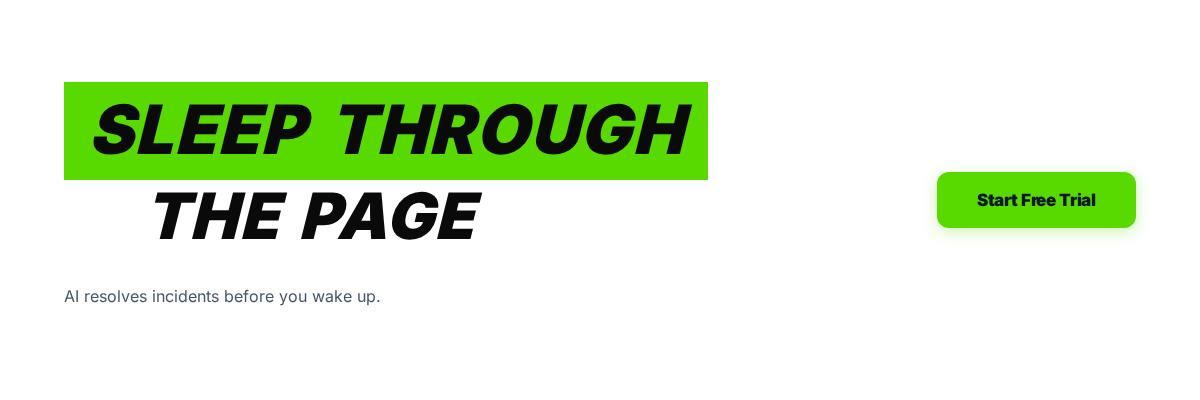
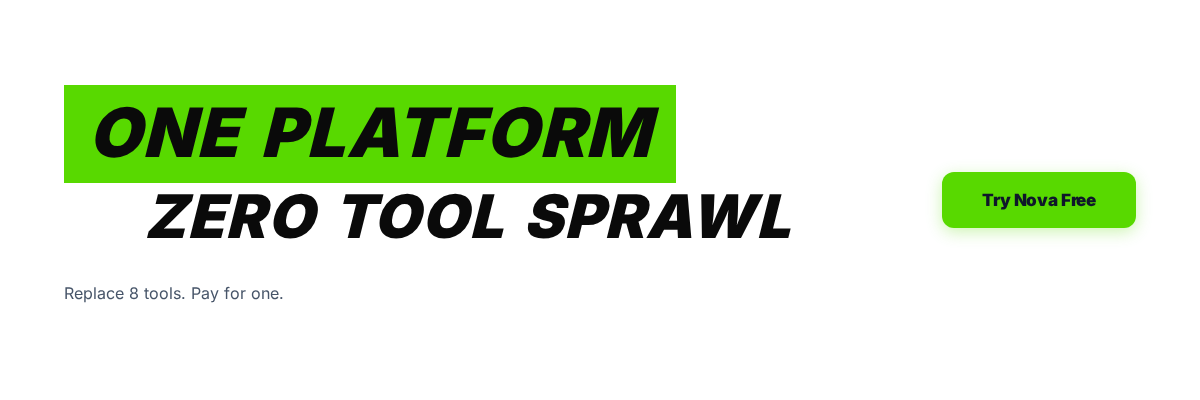

Banner Results
Click-through rates for each banner variant.
Banner A/B Results
Performance data for each banner rotation. See which banners drive the most clicks.
| Banner | Views | Clicks | CTR | Duration | Source |
|---|---|---|---|---|---|
| Loading results... | |||||
Cross-Post
Publish one post to multiple platforms at once.
Cross Post
Post to X, LinkedIn, and Threads simultaneously. View upcoming posts across all platforms.
Upcoming Post Queue
Next posts from each platform's libraryCross-Post History
Review past cross-platform publishes.
Cross Post History
Recent posts sent across multiple platforms.
Competitor Monitor
Track what competitors are posting and respond to mentions.
Competitor Mention Monitor
Find people complaining about Datadog, PagerDuty, Splunk pricing, auto-reply with your pitch.
Auto-Reply to Competitor Frustration
Searches X every 15 minutes for people frustrated with competitors.
Monitored Keywords
Searches for tweets containing these phrases. Click to remove.
Reply Templates
Rotates through these when replying. Keep under 280 chars.
Rate Limits
Search Now
Find people complaining about competitors right now.
Reply History
0 repliesX Auto-Engage
Automatically like, retweet, and reply to relevant tweets.
Auto-Engage
Automated engagement features for X. Like mentions, welcome followers, and follow back.
Auto-Follow Back
Automatically follow back new followers. Checks hourly. Max 20 follows per check.
Auto-Welcome New Followers
Tweet a welcome + send a DM (max 5 DMs/day) to each new follower. Checks hourly.
Auto-Like Mentions
Automatically like every tweet that mentions @SamsonTanimawo. Checks every hour.
Auto-Retweet
Automatically retweet content from curated accounts.
Auto-Retweet Curated Accounts
Automatically retweet content from curated thought leaders. Runs every 2 hours, max 3 retweets per check.
Auto-Retweet
Enable automatic retweeting from curated accounts.
Hashtag Performance
See which hashtags drive the most engagement on X.
Hashtag Performance
Analyze which hashtags drive the most engagement across your posts.
| Hashtag | Posts | Avg Likes | Avg RTs | Avg Impr. | Engagement |
|---|---|---|---|---|---|
| Loading... | |||||
Best Times to Post
Data-driven posting schedule recommendations.
Best Time to Post
Discover when your posts get the most engagement based on historical data.
Best Hour
--
Best Day
--
Top Tweet Pin
Auto-pin your best performing tweet to your profile.
Best Performing Tweet
Your top-performing tweet from the last 7 days. Pin it on X for maximum visibility.
X Posts Library
Click "Post to X" to publish instantly or "Copy" to paste manually.
X Auto-Schedule
Configure when and how often to auto-post from the library.
Upcoming Posts
Next 10 posts queued for auto-posting from the library.
X Threads
Build and schedule multi-tweet threads. Threads get 3-5x more engagement.
Thread Auto-Schedule
Auto-post threads from the library. 15 threads ready.
Upcoming Thread Posts
Next threads from the library that will be auto-posted.
Thread Builder
Create a multi-tweet thread. Each tweet will be posted as a reply to the previous one.
X Published Posts
All tweets you have published. Top performers available for reposting.
Top Performers
Your best posts by engagement. Click repost to share again.
LinkedIn Posts Library
Click "Post to LinkedIn" to publish instantly or "Copy" to paste manually.
LinkedIn Auto-Schedule
Configure auto-posting. Best practice: 1-2 posts/day, Tue-Thu peak engagement.
Upcoming Posts
Next 10 posts queued for auto-posting from the library.
LinkedIn Composer
Write and publish custom LinkedIn posts with formatting and preview.
Hashtag Analytics
Track which hashtags perform best. Suggested tags for SRE/DevOps.
Best Time to Post
Heatmap of engagement by day and hour. Darker = more engagement.
Content Calendar
Visual overview of LinkedIn, X, and Threads posts by day.
A/B Variant Tracking
Compare two versions of the same topic to see which performs better.
LinkedIn Published Posts
All LinkedIn posts you have published. Top performers available for reposting.
Top Performers
Your best LinkedIn posts by engagement.
LinkedIn Analytics
Post impressions, engagement, and follower growth.
LinkedIn Analytics
Performance insights, engagement trends, and content optimization.
Best Time to Post
Heatmap of engagement by day and hour. Darker blue = more engagement.
Hashtag Analytics
Track which hashtags perform best. Suggested tags for SRE/DevOps.
A/B Variant Tracking
Compare two versions of the same topic to see which performs better.
Post Performance Overview
All archived posts with their engagement metrics.
Threads Posts Library
Post to @professor_samsont on Threads.
Threads Schedule
Auto-posting schedule for Threads.
Threads Auto-Post Schedule
Threads allows up to 250 posts/day. Recommended: 2-3/day.
Threads Upcoming
Preview the next scheduled Threads posts.
Upcoming Threads Posts
Next 10 posts from the library that will be auto-posted.
Threads Composer
Write and schedule new Threads posts manually.
Threads Composer
Write and publish to @professor_samsont. Up to 500 characters.
Threads Published
All Threads posts you have published.
Threads Published Posts
All Threads content you have published.
Threads Analytics
Engagement metrics for Threads posts.
Threads Analytics
Performance insights for @professor_samsont.
Top Performers
A/B Variant Tracking
Compare two Threads post variants to see which performs better.
Topic Performance
Which topics get the most engagement on Threads.
Post Performance
Threads Repost
Repost top-performing content automatically.
Threads Re-post Scheduler
Automatically re-post high-engagement Threads content with "icymi:" prefix.
Configuration
Posts older than 30 days with good engagement will be re-posted (max 1/day).
Threads Drop Post
Reply to trending posts with value-add comments.
Threads Drop Post
Manually compose and post engagement responses on Threads.
Drop Post Templates
Select a template or write a custom engagement post for Threads.
LinkedIn Auto-Engage
Automatically like and comment on relevant posts.
LinkedIn Auto-Engage
Automatically like, comment, and engage with posts from your network and target audience on LinkedIn to grow your reach.
This feature requires API access that is not yet available. We'll enable it as soon as the platform API supports it.
LinkedIn Articles
Long-form LinkedIn articles scheduling.
LinkedIn Articles
Create, schedule, and manage long-form LinkedIn articles directly from Nova. Includes SEO optimization and analytics tracking.
This feature requires API access that is not yet available. We'll enable it as soon as the platform API supports it.
LinkedIn Polls
Create and schedule engagement polls.
LinkedIn Polls
Create and schedule interactive polls on LinkedIn to boost engagement and gather audience insights. Track results in real-time.
This feature requires API access that is not yet available. We'll enable it as soon as the platform API supports it.
LinkedIn Carousel
Multi-slide PDF carousel posts for higher reach.
LinkedIn Carousel
Design and publish multi-slide carousel posts on LinkedIn. Use templates or create custom slides with your brand colors.
This feature requires API access that is not yet available. We'll enable it as soon as the platform API supports it.
Lashae Library
Posts queued for auto-publish to Lashae Tanimawo's LinkedIn feed.
Lashae Auto-Schedule
Configure auto-posting for Lashae's LinkedIn account. Best practice: 1-2 posts/day, Tue-Thu peak engagement.
Lashae Published
Posts already published to Lashae's LinkedIn feed.
Lashae Connection
Status of Lashae's LinkedIn OAuth authorization.
https://novaaiops.com/api/linkedin-lashae/auth
Lashae Upcoming Posts
Next 10 posts queued for auto-posting from Lashae's library.
Lashae Composer
Write and publish custom posts to Lashae Tanimawo's LinkedIn feed.
Lashae Content Calendar
Visual overview of Lashae's scheduled LinkedIn posts by day.
Lashae Analytics
Post impressions, engagement, and follower growth.
Lashae Analytics
Track impressions, engagement, and follower growth on Lashae's LinkedIn account. Includes hashtag performance and best-time heatmaps.
This feature requires LinkedIn Marketing API scopes that are not yet enabled on Lashae's token. We'll turn it on once the scopes are approved.
Lashae Auto-Engage
Automatically like and comment on relevant posts.
Lashae Auto-Engage
Automatically like, comment, and engage with posts from Lashae's network to grow her reach.
This feature requires API access that is not yet available. We'll enable it as soon as the platform API supports it.
Lashae Articles
Long-form LinkedIn articles scheduling.
Lashae Articles
Create, schedule, and manage long-form LinkedIn articles from Lashae's account. Includes SEO optimization.
This feature requires API access that is not yet available. We'll enable it as soon as the platform API supports it.
Lashae Polls
Create and schedule engagement polls.
Lashae Polls
Create and schedule interactive polls on Lashae's LinkedIn to boost engagement.
This feature requires API access that is not yet available. We'll enable it as soon as the platform API supports it.
Lashae Carousel
Multi-slide PDF carousel posts for higher reach.
Lashae Carousel
Design and publish multi-slide carousel posts on Lashae's LinkedIn.
This feature requires API access that is not yet available. We'll enable it as soon as the platform API supports it.
Facebook Auto-Post
Scheduler for the Nova AI Ops Page feed.
1. Open a new incognito window and log in to threads.com as @novaaiops
2. In the same window, click Connect @novaaiops Threads →
3. Complete the OAuth flow. The token will save separately from your personal @professor_samsont token.
Facebook Library
Queue of posts the scheduler will publish. JSON array of {topic, text, link?}.
Facebook Published
Every post the scheduler has sent to the Page.
Facebook Upcoming
The next 10 posts the scheduler will publish.
Facebook Composer
Write a post and add it to the library or publish it now.
Facebook Calendar
Visual month view of scheduled and published posts.
Facebook Analytics
Page performance and per-post engagement from Facebook Insights.
Instagram Library
Nova-branded square (1080×1080) quote cards ready to post. Preview, edit, post now, or let the auto-scheduler rotate them.
Instagram Auto-Schedule
Pick posting times (CST). The scheduler rotates through your library in order.
Upcoming Instagram Posts
Next 14 days of queued posts based on your schedule and library order.
Instagram Composer
Post any library image + custom caption to Instagram right now.
Instagram Calendar
Two-week view of upcoming scheduled posts.
Published Instagram Posts
Every post that went live, with repost and view-on-Instagram options.
Instagram Analytics
Per-post engagement pulled from Instagram Graph Insights.
Theme Toggle
Switch between dark and light mode. Saved to this browser.
Pinned Favorites
Quick access to your most-used tabs.
Recent Tabs
The last tabs you visited.
Post to All Accounts
One click → X + LinkedIn + Threads + Lashae's LinkedIn.
Token Expiry
Days remaining on each OAuth token. Reconnect before they hit zero.
Unified Inbox
Recent mentions and replies across X, LinkedIn, Threads.
Best Time AI
Recommended posting times per account based on historical engagement.
Top Posts
Your highest-performing posts, ready to repost.
AI Draft Assist
Type a topic. Get X, LinkedIn, and Threads versions instantly.
Revenue Attribution
Which post drove which signup. Linked by UTM + referrer.
Competitor Watch
Weekly summary of Datadog, PagerDuty, Rootly, Incident.io social activity.
Email Deliverability
Open rate, bounce rate, and click trends for your outbound email.
Automation Health
Single-glance status for every cron, token, and scheduler.
Weekly Digest
Monday 9 AM CST. Summary of last week sent to alerts@novaaiops.com.
A/B Auto-Promote
Automatically pin the winning variant once it beats others by 95% confidence.
Analytics Plus
Scroll depth, session duration, conversion funnel, UTM campaigns, live event stream, and more.
Search Console
Live query, impression, click, CTR, and position data from Google Search Console.
Top Queries
Top Pages
Top Countries
Threads Auto-Reply
Automatic replies to mentions and DMs.
Threads Auto-Reply
Automatically reply to mentions and comments on Threads with smart, context-aware responses. Set rules for different keywords and topics.
This feature requires API access that is not yet available. We'll enable it as soon as the platform API supports it.
A/B Post Test
Test different post formats and content styles.
A/B Post Test
Test two post variants across platforms. Compare engagement.
Create New A/B Test
Test Results
Follower Growth
Track your X follower count over time
Best Posting Times (CST)
Average engagement by hour of day
Topic Performance
Engagement breakdown by topic
Hashtag Performance
Hashtags ranked by avg engagement
Reply Monitor
Recent posts with engagement activity
Drop Post Auto-Reply
Automatically reply to "drop your startup" threads on X and Threads with your pitch. Monitor engagement posts, manage reply templates, and control rate limits.
X (Twitter)
Threads
Keywords
Tweets matching these keywords will be detected. Click a tag to remove it.
Reply Templates
Templates rotate automatically. Keep X replies under 280 characters.
Rate Limits
Control how frequently replies are sent to avoid spam detection.
Search Now
Manually search X for matching drop posts right now.
Reply History
Recent auto-replies sent to drop post threads.
| Platform | Author | Reply Sent | Time |
|---|---|---|---|
| No replies sent yet | |||
Blacklist
Accounts to skip when replying. Add usernames without the @ sign.
Email Leads
Captured email addresses from your site.
Email Leads
Track email subscribers from the website.
Lead Scoring
Ranked subscribers by engagement and fit.
Lead Scoring
Identify your hottest leads based on engagement signals.
Scoring Criteria
All Leads (Ranked by Score)
Email Campaigns
Manage drip sequences and broadcast emails.
Email Campaigns
Automated drip sequences that convert subscribers into customers.
Send History
Recent emails sent with open/click tracking.
Send Test Email
Cold Outreach
Pick a template, paste emails, send follow-ups until they sign up or unsubscribe.
Cold Outreach Sequences
Automated follow-up drips that stop on signup or unsubscribe.
Add Prospects
One per line. Format: email,FirstName (first name optional). Pasting emails only also works.
Prospects in this Campaign
Send Test
Email Tracking
Opens and clicks across every email Nova sends. Outreach, newsletter, drip, trial, demo confirms, manual tests.
Email Finder
Discover CTOs, SRE leads, and DevOps engineers from Apollo.io, Hunter.io, and GitHub. Verify and add to outreach campaigns.
GTM Email Finder
Find your ICP (CTOs, SREs, DevOps) and pipeline them into Nova outreach campaigns.
Search Prospects
Import CSV
Format: email, first_name, last_name, title, company (one per line)Found Prospects (0)
Persona Breakdown
Recent Searches
Autopilot
Set up automated pipelines: Find → Verify → Add to Campaign → Drip sends. Runs on schedule, fills your pipeline while you sleep.
New Automation
API Key Configuration
GitHub Campaigns
Harvest SRE / DevOps emails from OSS contributor profiles, curate your pilot list, and launch a 3-step cold drip. All free-tier, no Apollo required.
1. Harvest from GitHub
Fetches contributors from the listed repos; keeps any with a public email on their GitHub profile.
2. Curate pilot list
Review GitHub-sourced leads. Select who goes into the campaign. Aim for 10–20 for your first pilot.
3. Launch campaign
Name the campaign, pick the GitHub 3-step template, set cadence. Selected leads above get enqueued at current_step=0.
novaaiops.com without a warmed cousin domain will tank your sender reputation. Verify your sending infra (SPF/DKIM/DMARC on a separate domain, warm-up in progress, CAN-SPAM footer with physical address + unsubscribe). Review the templates email sent to samson.tanimawo@novaaiops.com for the full pre-launch checklist.
Active campaigns
Recent sends
Template preview.
Team-Page Scraper
Fetch company team / about / people / leadership pages and extract emails. Complements the GitHub harvester for companies that don't publish on OSS. Polite rate-limiting, robots.txt-aware, on-domain emails only.
/team, /about, /people, /leadership, /contact, and /. Extracts emails that end in the company's domain (filters out SaaS artifacts like *@sentry.io). Guesses first/last name from nearby HTML context. One request per second per domain. Skips domains with a blanket Disallow: / in robots.txt.
🤖 Nightly auto-scrape -
Runs at 02:00 host time. Picks new company domains from your existing leads (not yet scraped), runs the scraper, and inserts results as pending review. You approve below before they hit a campaign.
1. Pick domains to scrape
Enter company domains one per line, or pull distinct domains from your existing leads.
⏳ Pending review 0
Leads found by the nightly auto-scrape. Approve or reject before they become eligible for campaigns.
2. Curate approved leads
source='team_page', review_status='approved' (manual scrapes + approved cron leads). Pending leads are above.
3. Launch campaign
Same drip pipeline as the GitHub tab. Selected leads get enqueued at current_step=0.
novaaiops.com. Full checklist is in the templates email sent to samson.tanimawo@novaaiops.com.
Founder Welcome
Personalized welcome email for new subscribers.
Founder Welcome Email
Personal email from Samson to every new subscriber. Sent from founders@novaaiops.com
Settings
Send Test Welcome Email
Requires FOUNDER_EMAIL_PASS in .env.social for founders@novaaiops.com
Send History
Product Signups
Users who signed up for the Nova AI Ops product.
Product Signups
Real users who signed up at app.novaaiops.com
Plan Distribution
Trial Countdown
Users on free trial with remaining days. Reach out before they expire.
Devices
Operating Systems
Browsers
Countries
Signup Sources
All Signups
Revenue Dashboard
MRR, ARR, and paid customer metrics.
Revenue Dashboard
MRR, ARR, plan breakdown, trial funnels, and monthly trends.
Plan Distribution
Trial Funnel
Monthly MRR Trend
Signup Funnel
Conversion rate at each step of signup.
Signup Funnel
Visualize how users move through each signup stage.
Funnel Stages
Daily Signups (Last 30 Days)
Cohort Analysis
Retention curves by signup cohort.
Cohort Analysis
Retention by weekly cohorts.
Weekly Retention Grid
NPS Results
Net Promoter Score survey responses.
NPS Results
Net Promoter Score and customer sentiment.
Score Distribution
Recent Responses
Customer Health
Health scores for active customers.
Customer Health
Health scores and engagement grades for all users.
All Customers (Worst First)
Churn Prediction
ML-predicted churn risk per customer.
Churn Predictions
Identify users most likely to churn and act early.
Churn Risk Table (Highest Risk First)
Live Activity Feed
Real-time user activity stream.
Live User Feed
Real-time user activity and currently online users.
Activity Feed
Currently Online
Users active on your site right now.
Currently Online
Users active right now.
Online Users
Support Tickets
Customer support requests and responses.
Support Tickets
Track and manage customer support requests.
Ticket List
In-App Messages
Target messages to users inside the product.
In-App Messages
Manage banners, modals, and tooltips shown to users.
Messages
Create New Message
Referral Program
Track and reward user referrals.
Referral Program
Track referrers, referred users, and program performance.
Top Referrers
Recent Referrals
Notifications Config
Slack and Discord webhook settings.
Notifications Config
Slack, Discord webhooks, test notifications, and daily digest.
Slack Webhook
Discord Webhook
Test Notification
Send a test notification to all configured channels.
Daily Digest
Manually trigger the daily digest email/notification.
Re-engagement
Emails to win back inactive users.
Inactive Users & Re-engagement
Track inactive users and re-engagement campaigns.
Inactive Users
Dev.to Articles Library
Click "Publish to Dev.to" to publish instantly or "Copy" to paste manually.
Dev.to Auto-Schedule
Configure automatic article publishing to Dev.to.
Upcoming Articles
Hashnode Articles Library
Click "Publish to Hashnode" to publish instantly or "Copy" to paste manually.
Hashnode Auto-Schedule
Configure automatic article publishing to Hashnode.
Upcoming Articles
Write & Publish
Compose new blog articles with markdown.
Blog Publishing
Write and publish articles to Dev.to and Hashnode.
Compose Article
Saved Drafts
Published Articles
Articles published to Dev.to and Hashnode.
Published Articles
Articles published to Dev.to and Hashnode.
Dev.to Comment Queue
Auto-discovered articles with drafted comments.
Dev.to Comment Queue
Auto-discovered articles. Review, edit, and approve comments before posting.
Weekly Newsletter
Auto-sent to subscribers every Saturday at 9 AM CST.
Weekly SRE Newsletter
Auto-sent to subscribers every Saturday at 9 AM CST.
Next Saturday's Article
Schedule
Test & Send
Send History
Newsletter Hub
Author, schedule, and distribute GTM campaigns. Templates, segments, drafts, A/B.
LinkedIn Articles
Long-form blog articles auto-posted to LinkedIn.
LinkedIn Articles
Long-form posts from your blog library, published to LinkedIn with footer.png cover.
Schedule
Preview & Manual Publish
Content Queue
Draft, schedule, and publish cross-platform posts.
Content Queue
Schedule posts for LinkedIn / X with OG images. Copy text + link for manual posting.
Referrals
Who referred whom and how many users they brought.
Referral & UTM Tracking
Track where visitors come from and which campaigns drive engagement.
Retargeting Pixels
Configure Meta, Google, LinkedIn retargeting.
Retargeting Pixels
Manage your Google Ads, LinkedIn Insight, and Meta Pixel tracking IDs.
Content Calendar
Unified view of all scheduled social and blog posts.
Cross-Platform Content Calendar
All scheduled and posted content across X, LinkedIn, and Threads.
Engagement Dashboard
Likes, comments, shares across all platforms.
Engagement Dashboard
Unified engagement metrics across all platforms.
Recent Activity
Last 10 posts across all platformsRepurpose Content
Turn one post into LinkedIn + X + Threads variants.
Auto-Repurpose Content
Convert a LinkedIn post into X and Threads versions automatically.
Paste LinkedIn Post
Enter a long-form LinkedIn post below. We will auto-generate shorter versions for X and Threads.
Recent LinkedIn Posts
Click "Repurpose" on any post to auto-generate X and Threads versions.
System Health
Real-time status of every moving part: APIs, databases, schedulers, and resources.
Scheduled Tasks
Every auto-scheduler running on the server with their next-run times.
API Keys Status
Health of every third-party integration and token expiry dates.
Logs Viewer
Tail the live server.log without SSH. Filter by level or keyword.
Loading...
Global Settings
Site-wide configuration: timezone, sender email, default images, feature flags.
Recent Activity
Aggregated feed of posts published, signups, and alerts in the last 24 hours.
Post Performance
Top posts across X, LinkedIn, and Threads ranked by engagement.
Revenue Forecast
Projected MRR and ARR based on current signup and conversion rates.
SEO Audit
Page meta tags, sitemap, broken links, and missing descriptions.
A/B Winners
Winning variants for OG, hero, CTA, and banner experiments with statistical confidence.
Content Library
All uploaded images: OG tags, heroes, banners, screenshots, post images.
Contact Submissions
Messages from the contact form and demo request page.
Team Members
Admin users with access to the Nova AI Ops dashboard.
Audit Log
Admin login history and session records for security auditing.
Backup & Export
Download subscribers, analytics, archives, and configuration as CSV or JSON.
Admin Changelog
What's new in the admin dashboard, version history, and recent features.
Community Posts
Moderate posts on community.novaaiops.com, delete, recover, hide, or unhide.
Community Members
Mute or unmute members. Muted members cannot post or comment but existing content stays visible.
Keyboard Shortcuts
Every hotkey available in the admin dashboard.
Scheduler
Book meetings on your calendar. Event types, bookings, upcoming calls, and public booking links.
Upcoming Bookings
-
Opportunities
Global capital, accelerators, cloud credits, grants, and partnership deals for founders.